

Focuspilot: calm classrooms on school devices


In the lesson
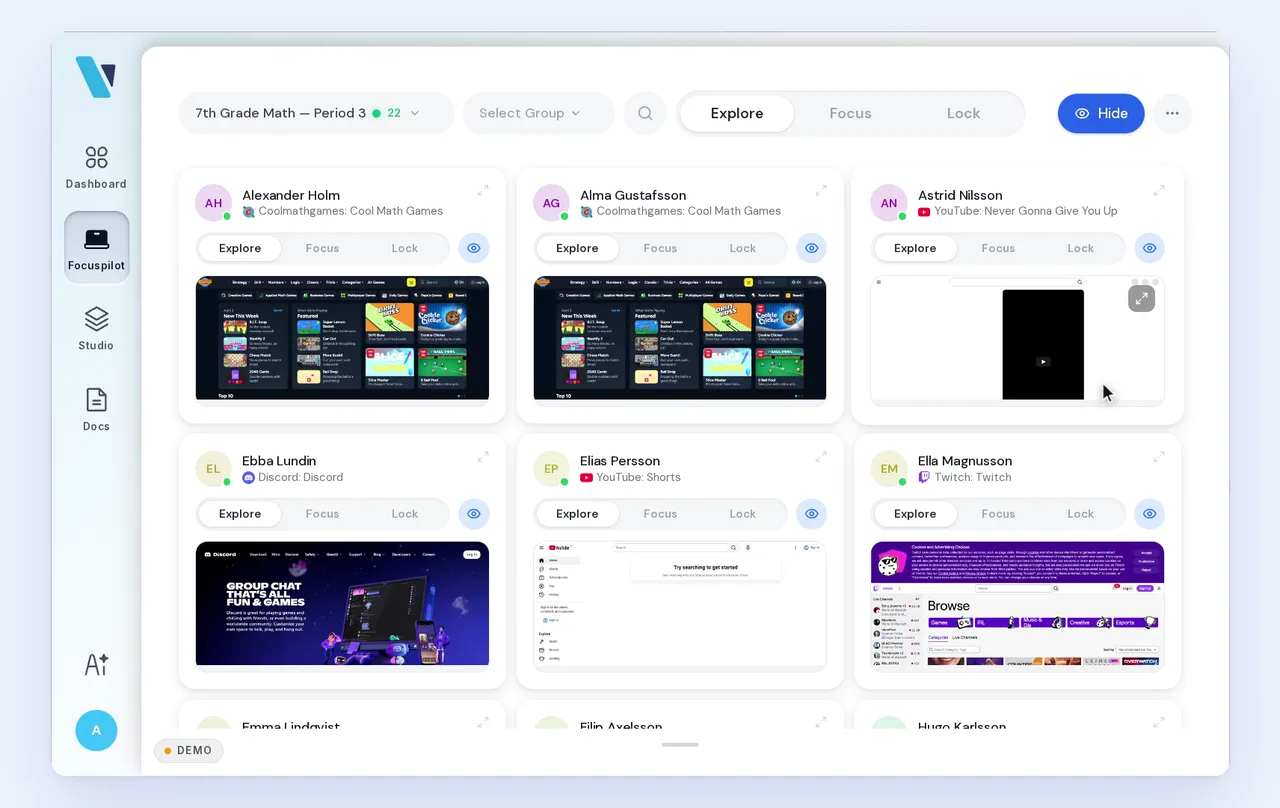
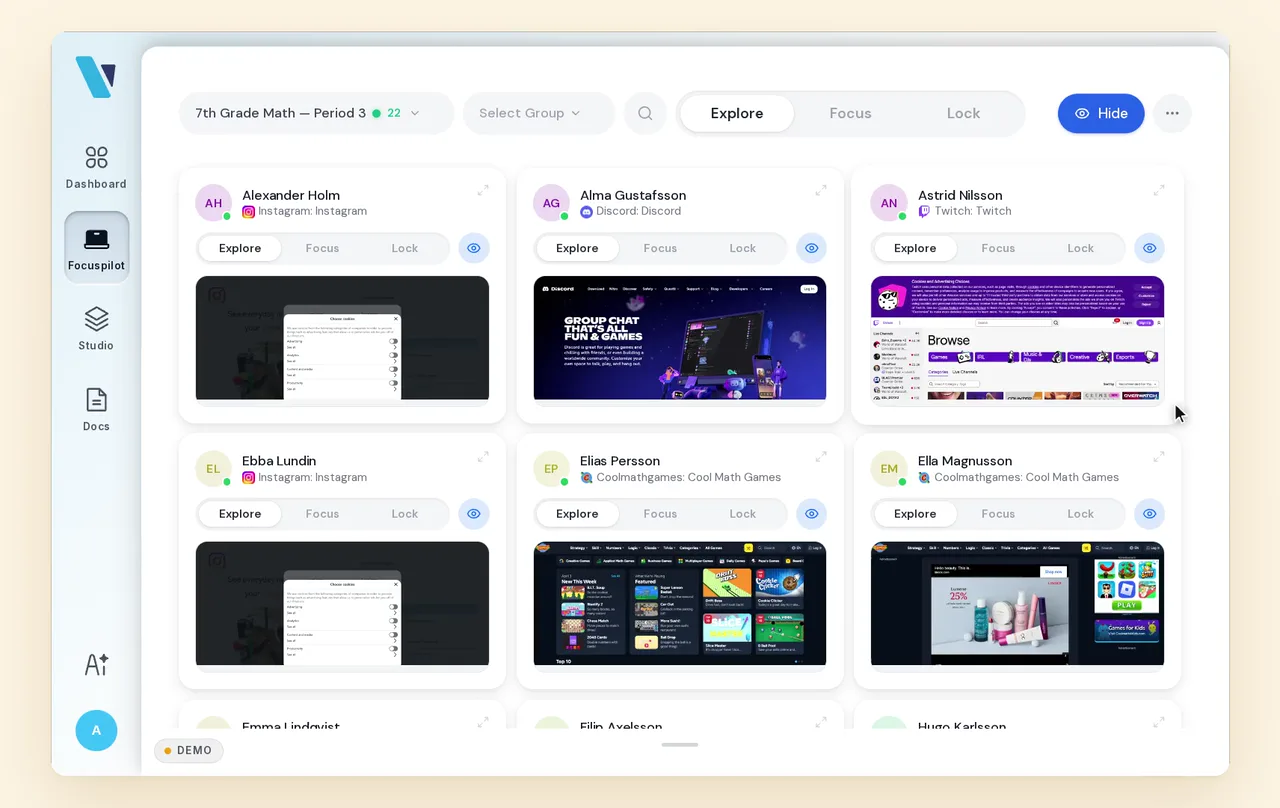
The teacher sees the lesson as the pupils see it. Every screen, live, on one page. Three buttons steer the whole class or a single pupil.
ExploreThe class is open. The teacher has the overview.
Explore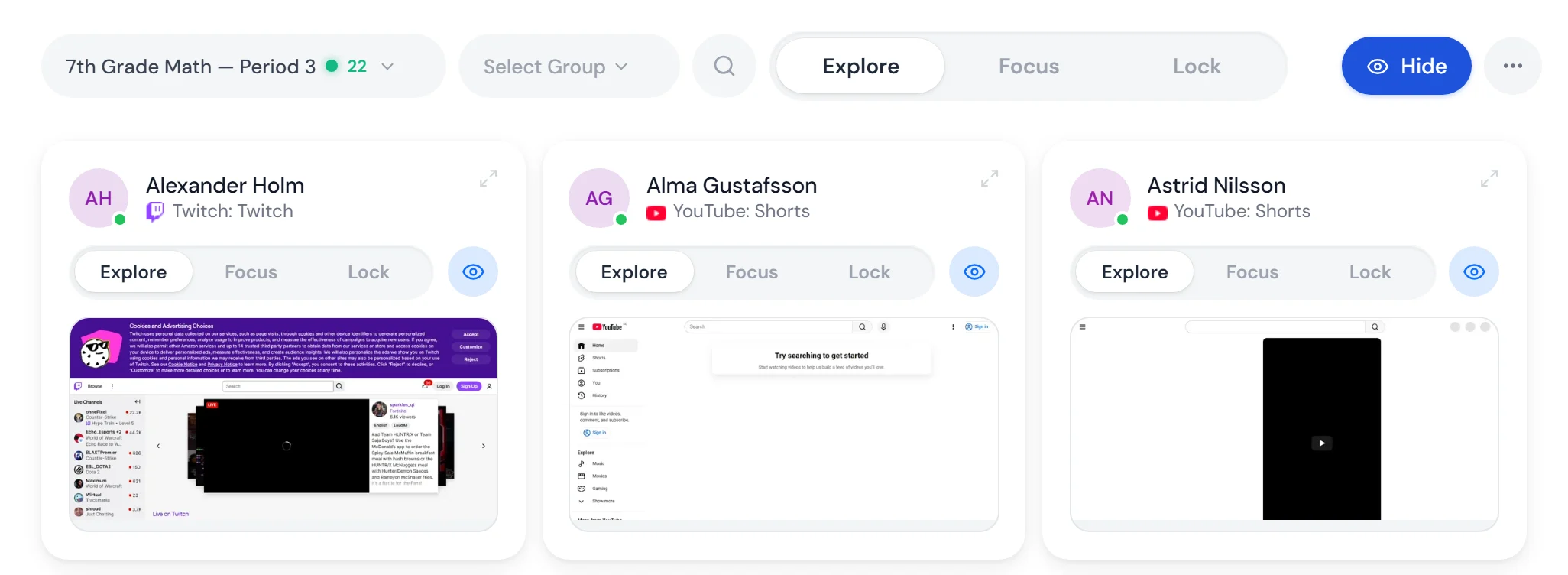
An open lesson
Pupils search, read and work freely. The mode closes nothing, and the teacher sees what each pupil has in front of them.
Overview, live
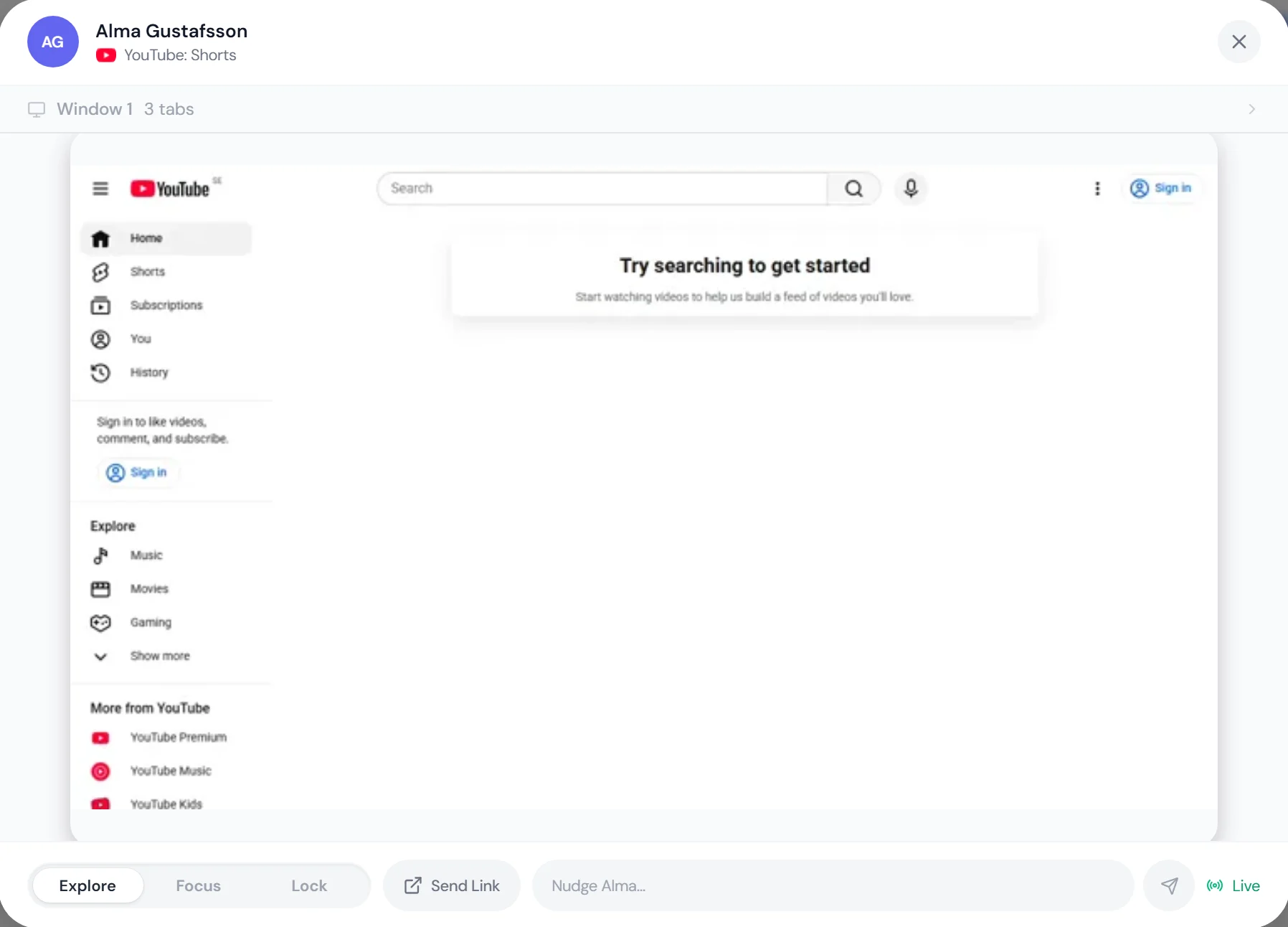
Open a pupil to see the screen at full size. From there the teacher can change the mode for that pupil alone, send a link or write a line.
The school’s rules still apply
What the school always blocks stays closed in Explore too.
FocusDistractions off. Schoolwork as usual.
Focus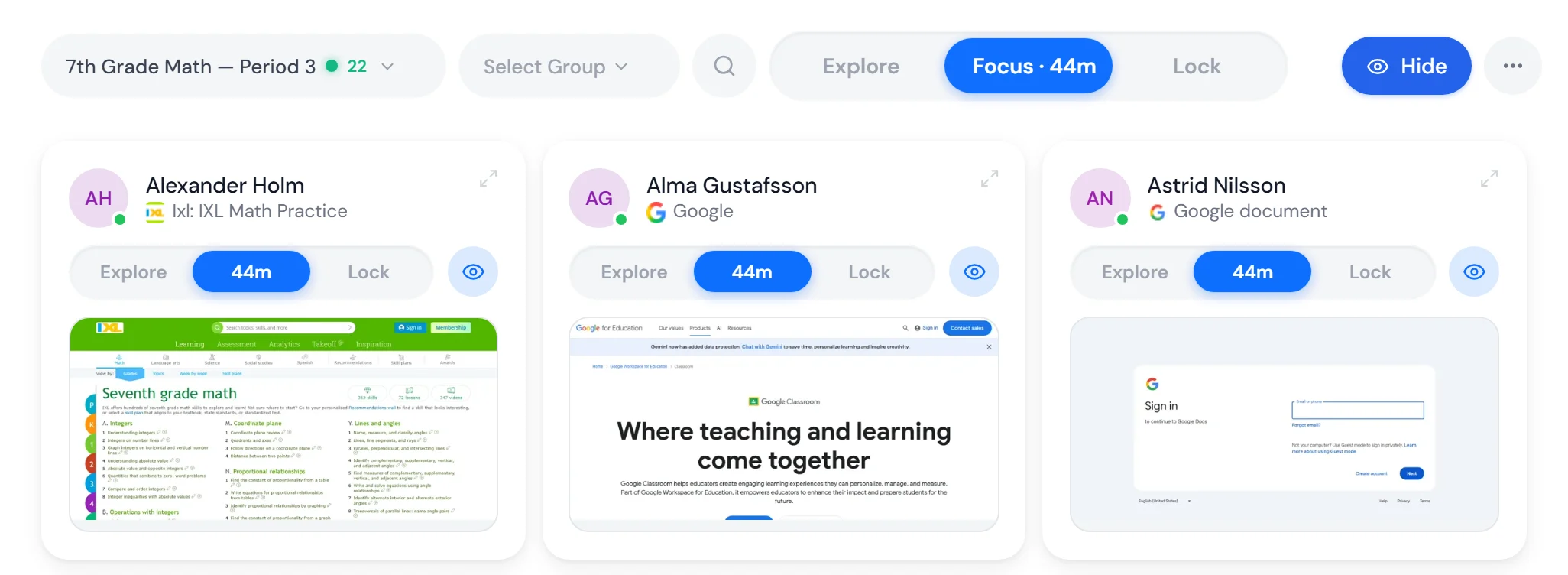
Schoolwork carries on as usual
Documents, learning resources and searches stay open. Only what distracts goes away, and the class’s screens return to the task.
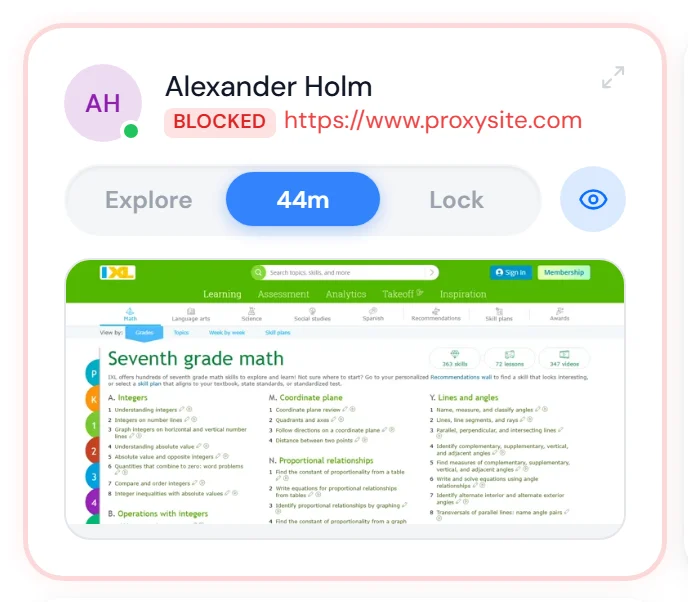
The school chooses what closes
Social media, games, streaming, shopping, AI and messaging, per school or per class. When a pupil tries anyway, the card shows it.
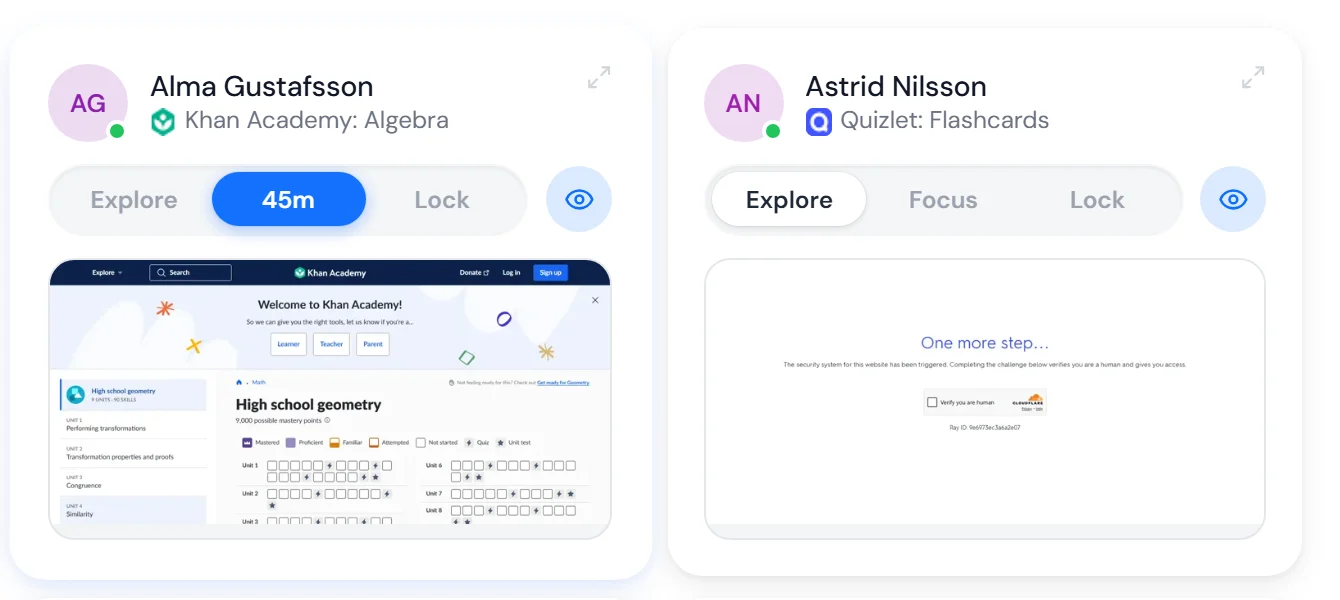
The whole class or one pupil
Turn Focus on for everyone from the menu at the top, or on a single card for the pupil who needs it right now.
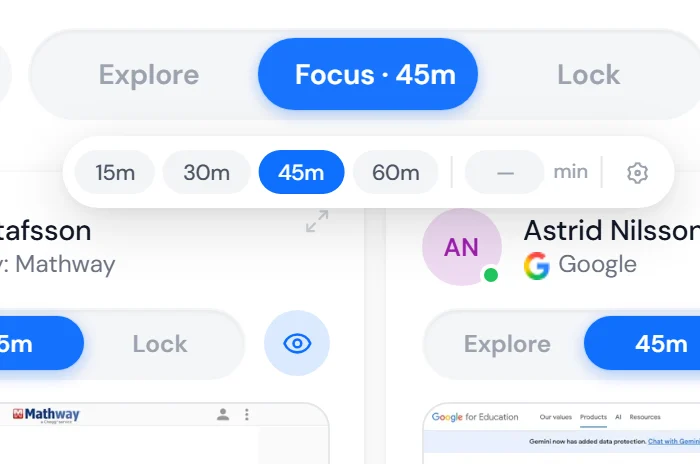
Timed if you like
Choose 15, 30, 45 or 60 minutes, or a time of your own. Focus releases by itself when the time is up.
LockOne lesson. Nothing else.
Lock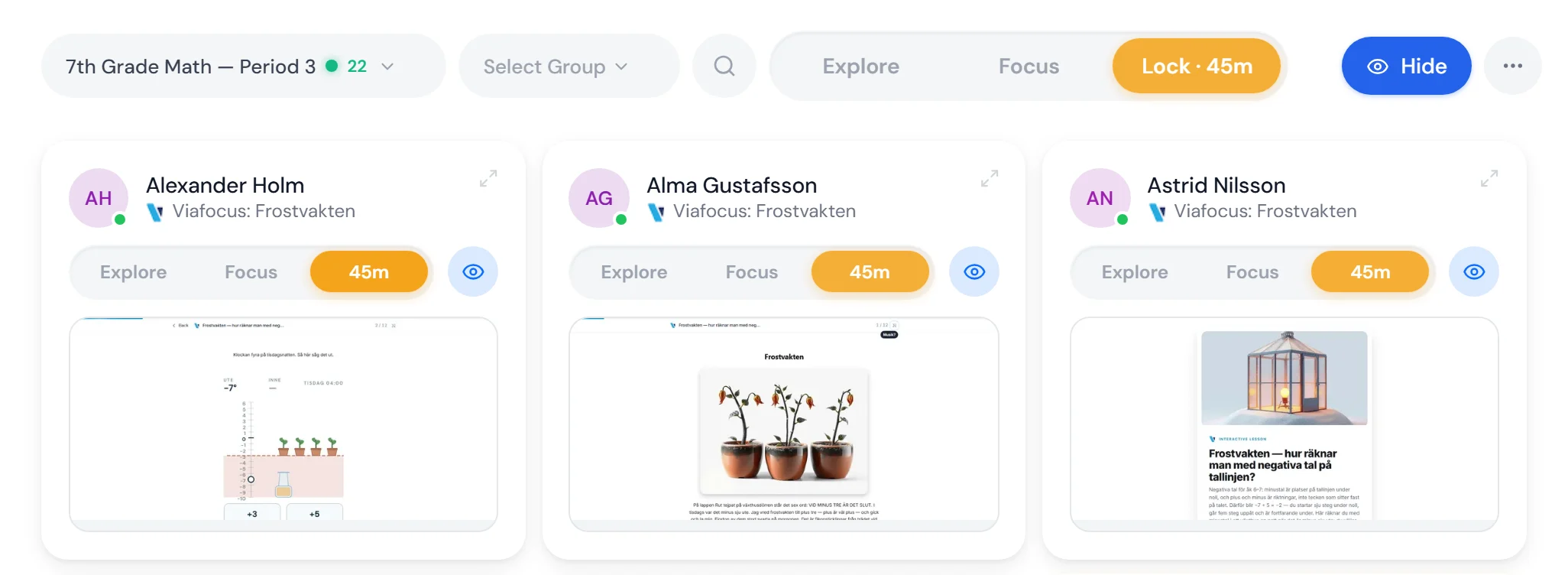
The whole class in the same lesson
Every pupil lands in what the teacher chose. Other tabs and sites cannot be opened, and the teacher sees how far each pupil has got.
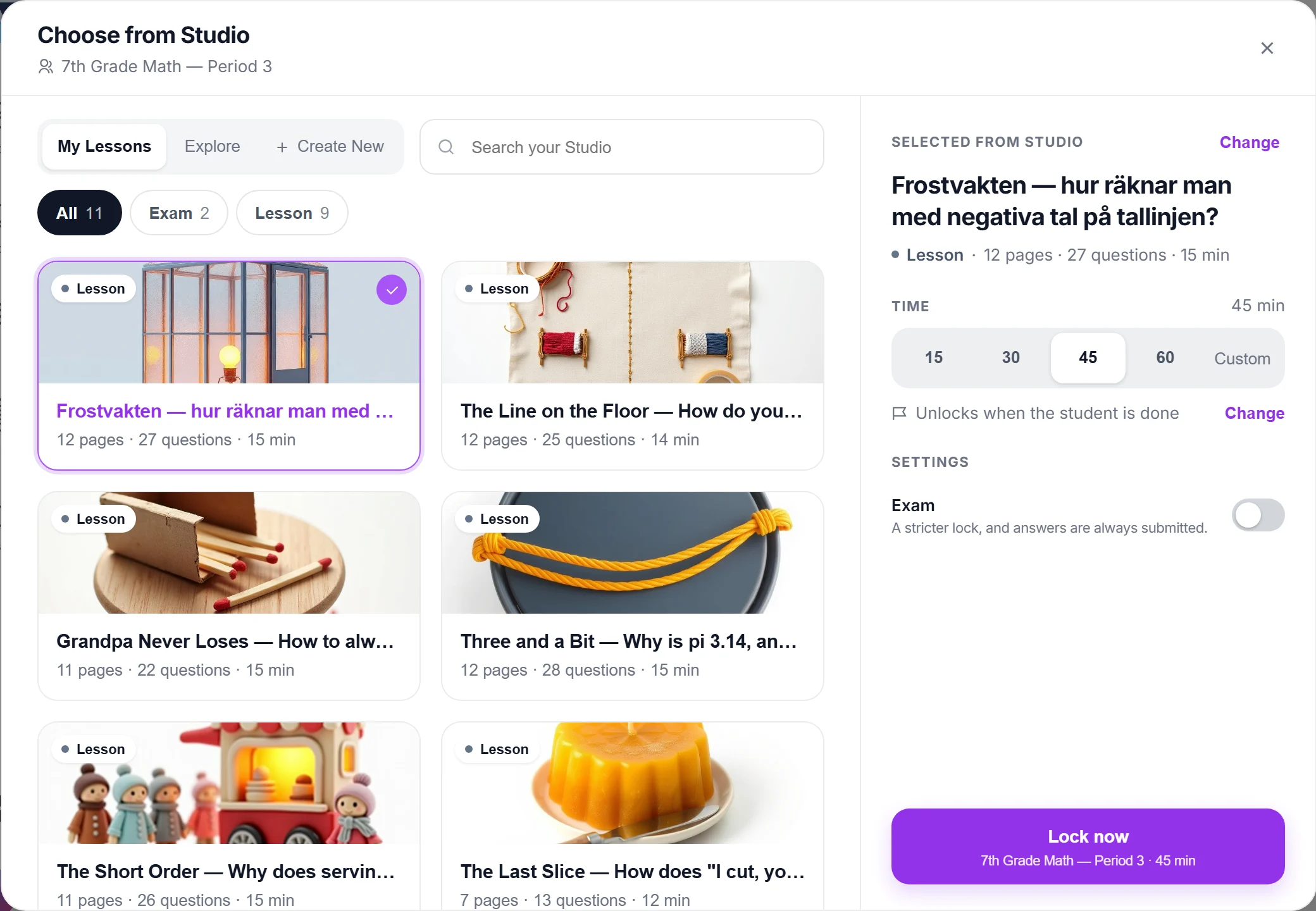
A lesson from your Studio
Pick from your own lessons, quizzes and worksheets, or take one from the library. The lock releases when the time is up or when the pupil is done.
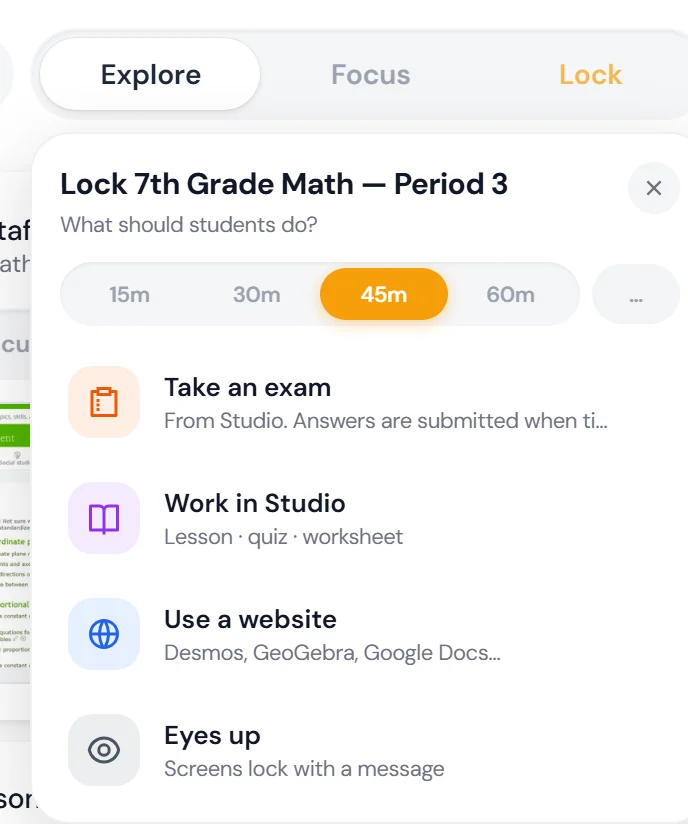
Four choices in one menu
Take an exam, work in Studio, use a website such as Desmos, or Eyes up: screens lock with a message while the teacher has the floor.
Chromebook
As an extension in Chrome.
Windows
As a program on the computer. The same three buttons for the teacher.
Exams
Lock the class into an exam from the same menu. Follow it live, pupil by pupil.
Digital exams in locked modeFor principals and IT
The school sets the frame.
The teacher presses the buttons. What they open and close is decided by the school, once, for every classroom.
01The school's blocking
Sites the school always blocks.
All day, on every device, whichever mode the teacher has chosen. The rules apply to the whole school, with exceptions for the class that needs one.
- Whole school
- Exceptions per class
- All day
02The school's Focus mode
The school decides what Focus closes.
When a teacher turns on Focus, the categories the school has chosen close. As the school default for every class, or with its own choices for one class.
Four categories the school cannot switch off. Closed in Focus at every school, except pages that are explicitly allowed. In Explore they are open, and in Lock only what the teacher chose opens.
- Bypass toolsVPNs, proxies and anything else that goes around the rules.
- Cheating toolsServices built to do the assignment for the pupil.
- GamblingCasino, betting and the like.
- Adult contentDoes not belong on a school computer.
The living blocklist
Rebuilt every week. With Swedish sites.
The categories run on a list built from eleven open sources. It holds what Swedish pupils actually visit, not only the American giants. Nobody at the school has to maintain it.
Off until the school turns it on. Shows the whole school, never a single pupil.
Off from the start
The school decides if and when analytics is turned on.
Whole school
Focus hours, time per mode and what Focus kept out. There is no per-pupil view.
Beta
Analytics is new and carries the beta label until it is finished.
99 SEK per pupil per year. Everything included.
Focuspilot and Studio, with AI in both. The teachers who teach the pupils are included.