
Studio.
Quizzes, tests.
Lessons.
Describe what your class should learn, add a PDF or a link, and Viafocus Studio builds it with AI in a few minutes. Free for teachers to start.
Built in Sweden for teachers
What you can create
04Questions and answers
What teachers usually ask.
About building, sharing and running lessons with Studio.
More questions?
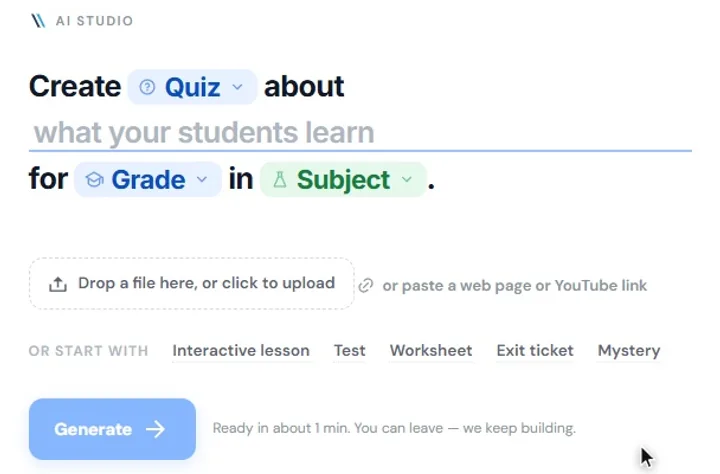
Talk to our teamOpen AI Studio, choose what to build (a lesson, quiz, test, worksheet, exit ticket or mystery) and describe what your class should learn. You can set the grade and the subject. Studio builds it in about one to three minutes and keeps building even if you leave the page. The result is saved in your library.
Yes. Add a PDF, a Word document or a link, including a YouTube video, and Studio builds from that material.
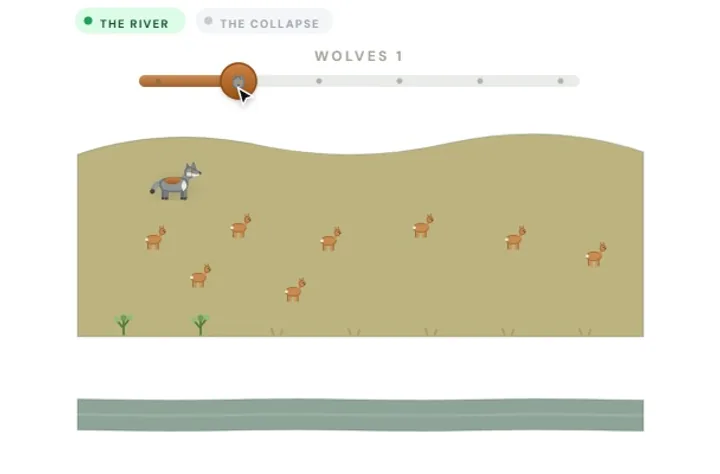
Yes. Open the result in the lesson builder and change it before you publish. The builder has blocks such as multiple choice, short and long answers, flashcards, timelines, quiz games and presentations.
Publish the lesson and share it with your class. Students open it in the browser on a Chromebook or a Windows PC and enter their name. There is nothing to install. You can also run a lesson as a live session with the whole class.
Yes, when your school runs Viafocus on its Chromebooks or Windows PCs. In the dashboard you choose Lock, then Exam, pick the test and a time limit, and every student is locked into it: other tabs, apps and sites are refused. Chromebooks run the exam in a ChromeOS kiosk session, and Windows PCs block task switching, screenshots and remote-desktop tools. You see who has handed in, can extend the time or end the exam, and get a warning when a student tries to leave. Multiple-choice questions are scored automatically and written answers go to a grading view. The lock is part of the school plan, not the free teacher account.
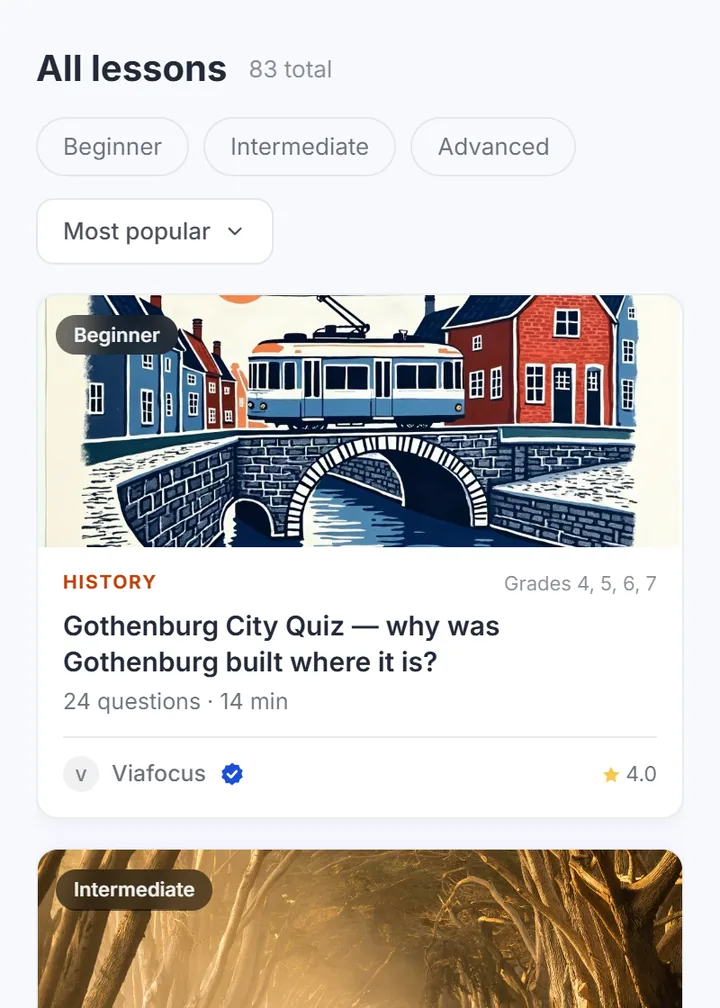
Yes. The Explore library has ready-made lessons and quizzes from Viafocus and from other teachers, organised by subject (maths, science, languages, history, geography, technology and art) and by grade level.
Individual teachers can start for free, with a monthly allowance of AI requests. A paid plan removes that limit. Schools buy Viafocus per pupil; contact us for a quote.
Ready to build your next lesson?
Create a quiz, a test or a full interactive lesson from your own material, and share it with your class.