

For principals and IT
Viafocus for the whole school.
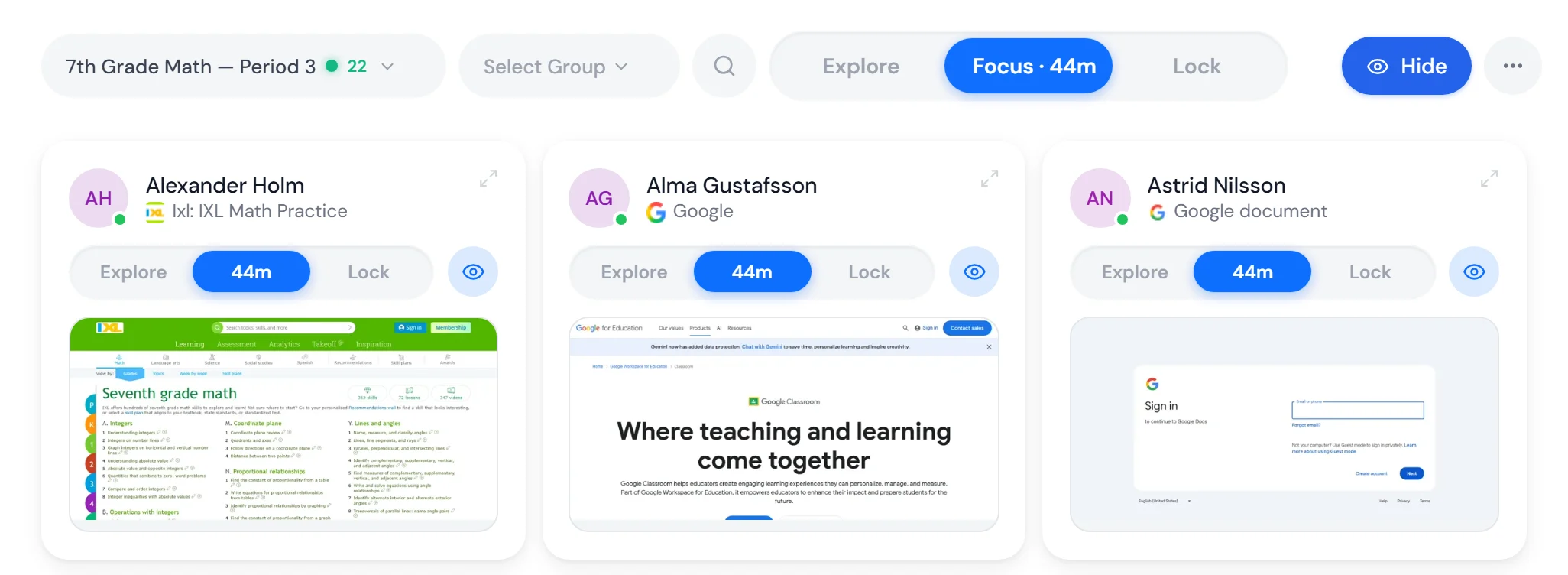
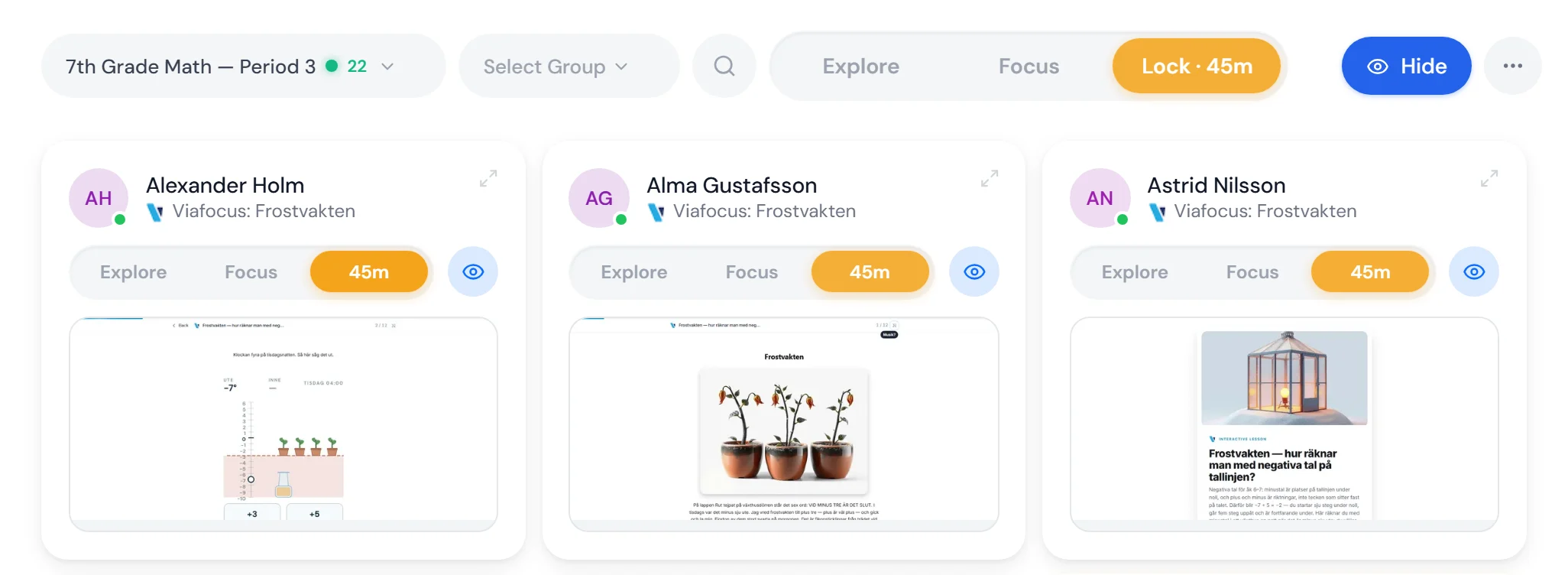
One agreement gives every teacher calm on the school's computers and a tool to build lessons in. Three classrooms, the same minute: each teacher picks the mode.
Book a demo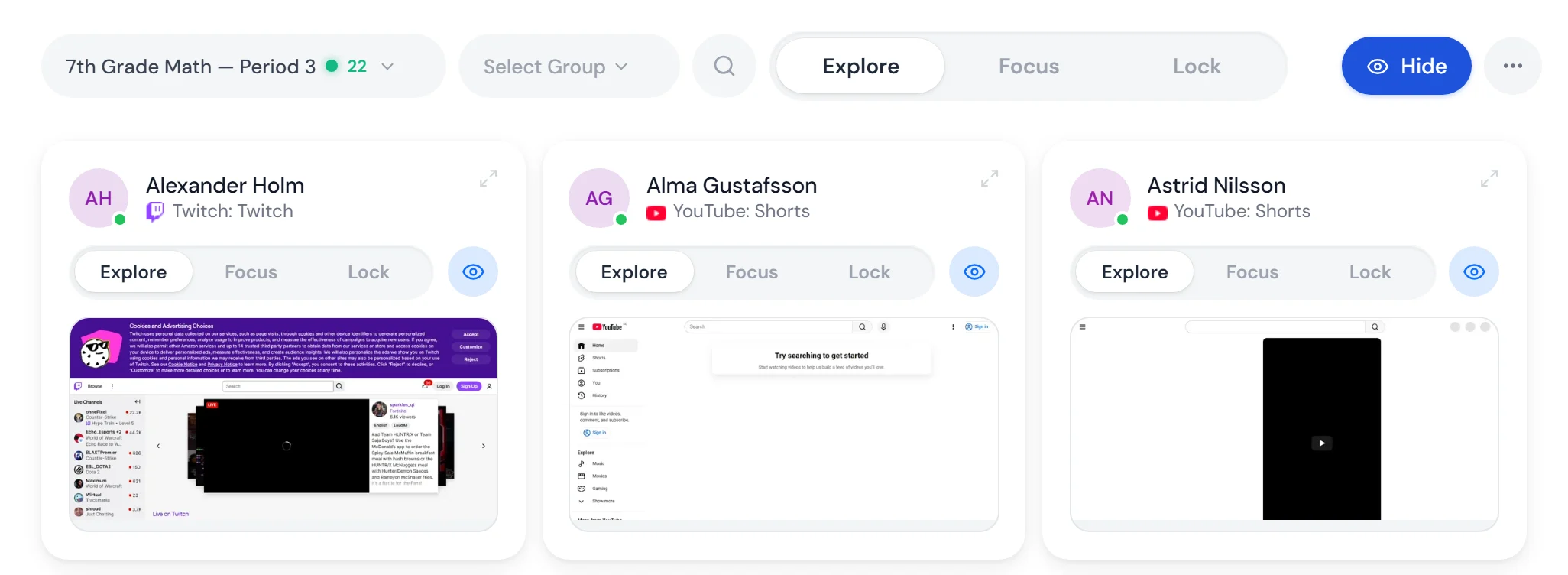
01What the school gets
Two products in one agreement. With AI in both, and the teachers who teach the pupils are included.
FocuspilotCalm on the school's computers.
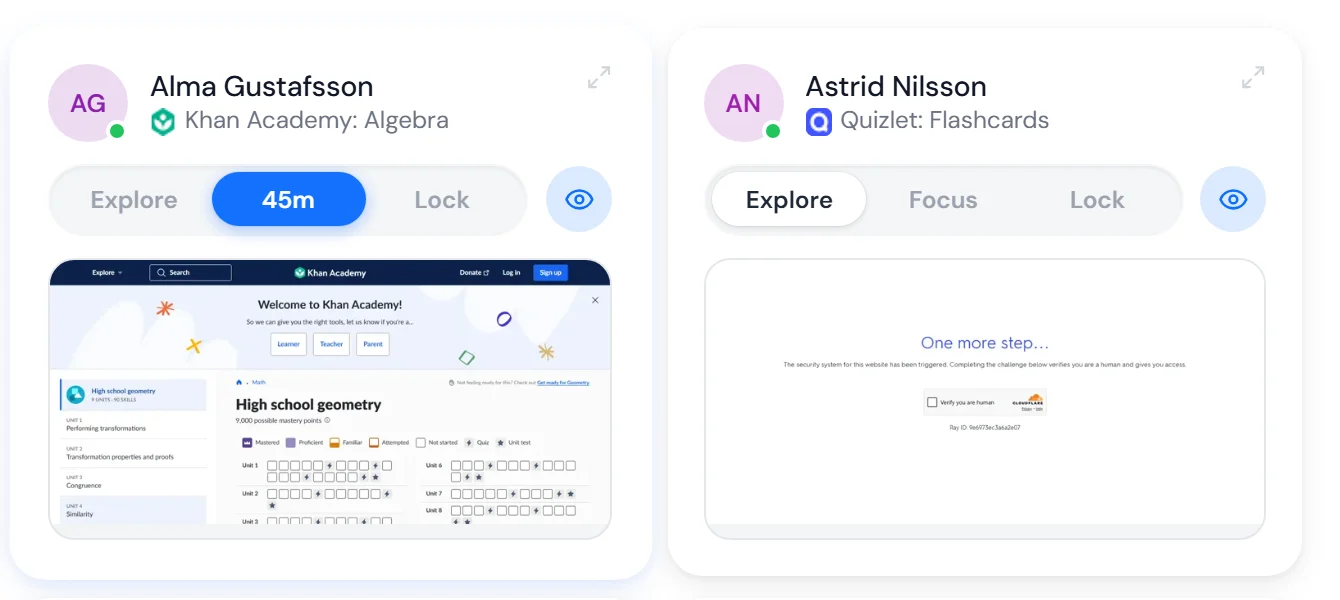
The teacher sees the lesson as the pupils see it and steers the class with three buttons: Explore, Focus and Lock. Modes can sit on the timetable and start on the bell.
More about FocuspilotStudioLessons the teacher builds.
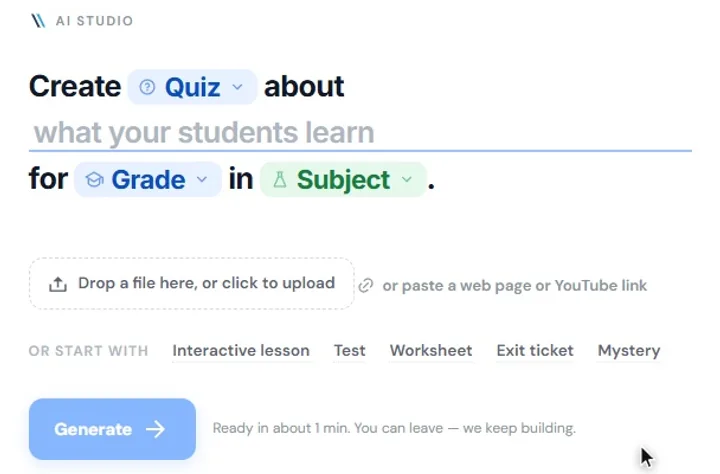
A lesson builder with AI that builds alongside the teacher, a library to start from and live lessons with the whole class.
More about StudioThe teachers are included
The price is counted on the school's pupils. The teachers who teach them are included, and no teacher seats are sold.
AI in both products
The classroom assistant and the AI that builds lessons are included. No add-on, no second invoice.
Pupil accounts, classes and roles
The class list is read in from a file. Teachers and school administrators have different roles, and nobody sees anything from another school.
The school switches on what it wants
Focuspilot and AI are switched on or off for the school. Blocking can have exceptions for a single class.
99 kr per pupil per year. Everything included.
Focuspilot and Studio, with AI in both. The teachers who teach the pupils are included. One invoice a year.
02Works on what the school already has
Chromebook and Windows in the same classroom. One teacher view and the same three modes, whatever the pupil sits at.

Chromebook
An extension in Chrome, which the school force-installs from Google Admin.

Windows
A program on the computer, as an MSI package. The extension for Chrome and Edge comes with it.
03For IT
Up and running in an afternoon. Nothing is installed by hand on the pupils' devices.
Chromebook
Google AdminPick the pupils' organisational unit
Add the extension and force-install it
Turn on Verified Access
Done within a couple of hours
Windows
Intune, Configuration Manager or Group PolicyDownload the MSI package
Roll it out silently
Approve Viafocus in Microsoft Entra
The browsers come along
Class lists from a file
CSV or Excel, with guides for the export from InfoMentor, SchoolSoft, Unikum, Meitner, IST and Vklass.
Sign-in with the school account
The pupil is whoever is signed in on the device. Teachers sign in with Google, Microsoft or a one-time code.
Updates itself
The extension and the Windows program fetch new versions themselves. The school can decide which version applies.
04Pupil data
The agreement comes before the pilot. And every piece of data has a named place.
Data processing agreement before every pilot
An agreement under GDPR Article 28 is signed before the first pupil is connected. The school is the controller, Viafocus the processor.
Where the data lives
Our servers run in the Netherlands (Railway), our databases in Frankfurt (Neon), the web app in Stockholm (Vercel), and all AI on Microsoft Azure in the EU.
No keylogging
Keystrokes, passwords, cookies, camera and microphone are never read. Screenshots are sent only while a teacher has the pupil in view, and they are never stored.
05The school decides
The school sets the frame. The teacher presses the buttons. What they open and close is the school's decision.
The school's blocking
Sites that are closed all day, on every device, whatever the mode. The rules apply to the whole school, with exceptions for the class that needs one.
What Focus closes
The school picks the categories: social media, games, streaming, shopping, AI and messaging. For all classes, or with its own choices for one class.
Closed in Focus
Bypass tools, cheating tools, gambling and adult content are closed in Focus at every school. The school cannot switch them off.
06Evidence
The teachers say it themselves. Novus asked 593 Swedish lower-secondary teachers in May 2026.
lower-secondary teachers see pupils lose focus several times every lesson.
has a tool for it.
Source: Novus, May 2026, 593 lower-secondary teachers in Sweden. Viafocus commissioned the survey.


See it in one of your classrooms.
Book a demo, or start with a pilot: 60 days, up to 600 pupils and their teachers. The agreement on pupil data is signed first.